

Have you ever taken off your character's hat in Animal Crossing: New Horizons and noticed something a little... off? That's right, your character doesn't actually have eyebrows by default. Once you spot it, you can't unsee it, and suddenly your cute island resident looks a bit like they walked out of a horror film. Luckily, the custom design feature in ACNH lets you fix this strange gap with a few creative tools and some pixel art skills. In this 2026 Animal Crossing New Horizons Face Print guide, we'll walk through everything you need to know about adding eyebrows to your character, along with fresh ideas and codes to copy.
ACNH Face Paint & Eyebrow Customization Guide (How To & Design Ideas)
In Animal Crossing: New Horizons, characters come with stylized face options, but built-in eyebrow choices are surprisingly limited compared to other facial features. To get around this, players use the Custom Designs app to draw their own eyebrows and apply them as face paint. This opens up endless creativity: from soft, natural arches to bold anime-style brows, dramatic scars, blush, freckles, and even strawberry cheeks. The face paint slot is shared between makeup-style designs, so you can mix eyebrows with cheeks or other accents in a single pattern.
Now that you know what's possible, let's go step by step through how to create your own eyebrows, followed by some popular ideas and codes you can copy directly into your game.
How To Create & Customize Eyebrows for Your Character in ACNH?
Adding eyebrows to your villager only takes a few minutes once you have the right tools. Below is a clear walkthrough based on tips from experienced ACNH creators.
Step 1: Get the Custom Designs App
Before anything else, you'll need access to the Custom Designs app on your NookPhone. After Resident Services becomes a building (around your 10th day), head over to the Nook Stop terminal and redeem the Custom Designs Pro Editor for 800 Nook Miles. This unlocks the full design tools needed for face paint.
Step 2: Open a Blank Design Slot
Open your phone, scroll to Custom Designs, and select an empty slot. Press "Change Design" to enter the editor. To begin with a clean canvas:
Press X, scroll to Fill All, and press Y.
Select the transparent option (located on the far right of the color palette).
Press A to clear the entire design space.
This wipes away the default white background so only your eyebrow art shows up on your face.
Step 3: Set the Preview to "Face"
Click in the right thumbstick to switch the preview on the left side to your character's face. This way, you can see exactly how your design lines up with your eyes in real time. Also turn on Mirror Mode so anything you draw on one side is automatically copied to the other — perfect for symmetrical eyebrows.
Step 4: Choose Your Eyebrow Position
The horizontal middle line of the canvas lines up with your character's eyes. Eyebrows should sit just above this line. Try a few different heights:
Higher placement gives a surprised or anime-style look.
Lower placement creates a more serious, grounded expression.
Middle placement feels balanced and natural.
Don't worry about getting it right the first try, small shifts of a single pixel can change the entire vibe of your character.
Step 5: Pick Your Color Palette
Hover over a color, press X, and choose Change Palette. Pick a palette with warm browns, soft blacks, or auburn shades that match your hair. If your default colors don't fit, head to Change Color to fine-tune brightness and saturation in real time.
For a natural look, use:
A base shade matching your hair color.
A lighter shade softly blended around the outer edges.
A mid-tone shade for accenting between the two.
Step 6: Draw the Brow Shape
Sketch a simple eyebrow on one side - Mirror Mode handles the other half. Start with a basic outline, then build it up. If it looks too clunky or harsh, soften the edges with lighter pixels around the perimeter. The pixel tool blends curves nicely, so you don't have to be a perfect artist.
Step 7: Add a Scar (Optional)
Want that signature scar look? Turn off Mirror Mode, switch to the transparent color, and erase a thin diagonal line across one eyebrow. Even two transparent pixels next to each other render as a clean slash on the preview.
Step 8: Save and Apply as Face Paint
Press Start, name your design (something like "Eyebrows v1"), and save. Then go to the design pattern, press "Wear," and choose Face Paint. If you accidentally wear it as a top, things will get weird very quickly. And just like that, your eyebrows are back!
ACNH Eyebrows Ideas & Codes for 2026
Once you're comfortable with the basics, you can experiment with all kinds of styles. Here are some popular ideas players have been creating this year.
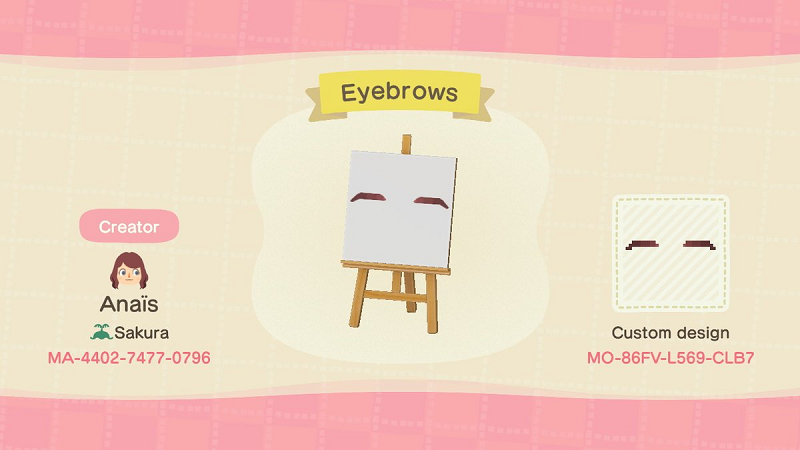
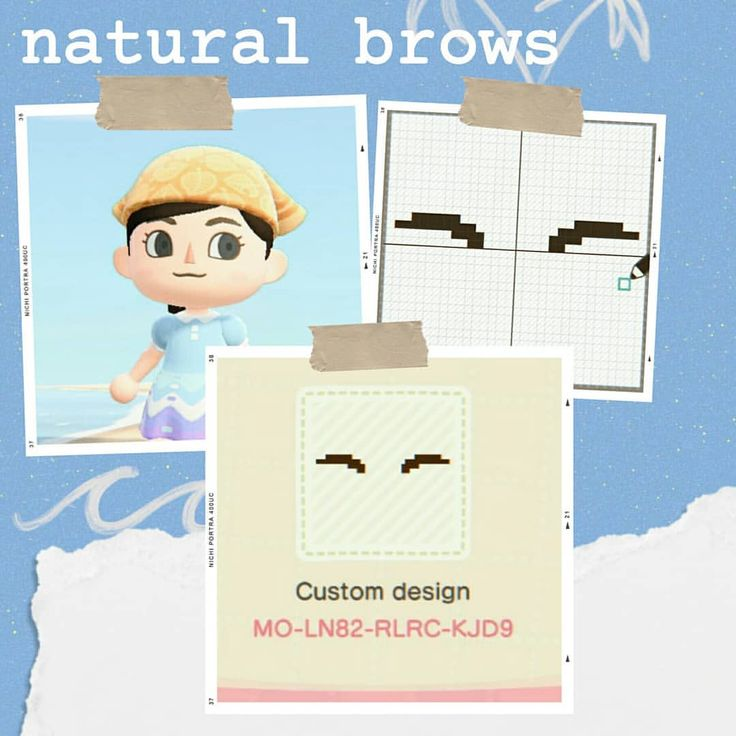
Natural Soft Brows
Design Codes:
MO-LN82-RLRC-KJD9
MO-TXR6-JQPQ-HR7S
MO-86FV-L569-CLB7
MO-JPRC-Y6SG-FFNY
These mimic real-life eyebrows with subtle gradients of brown. Use a darker base with lighter feathered edges. Great for slice-of-life islanders who want a realistic look.
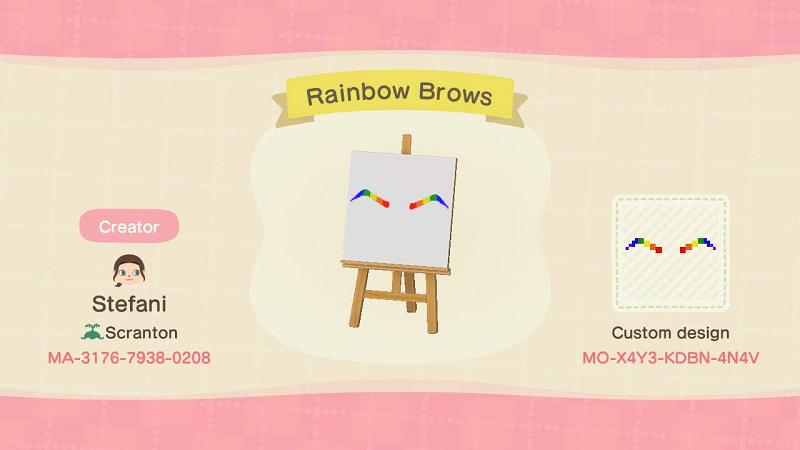
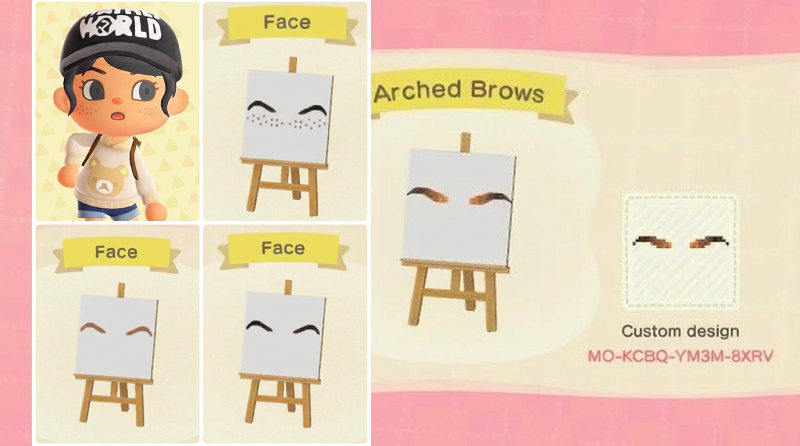
High Arched "Surprised" Brows
Design Codes:
MO-KCBQ-YM3M-8XRV
MO-X4Y3-KDBN-4N4V
Placed higher above the eyeline with a sharp upward curve. They give your character a permanently curious or shocked expression, fun for cottagecore or pastel themes.
Thick Anime Brows
Design Codes:
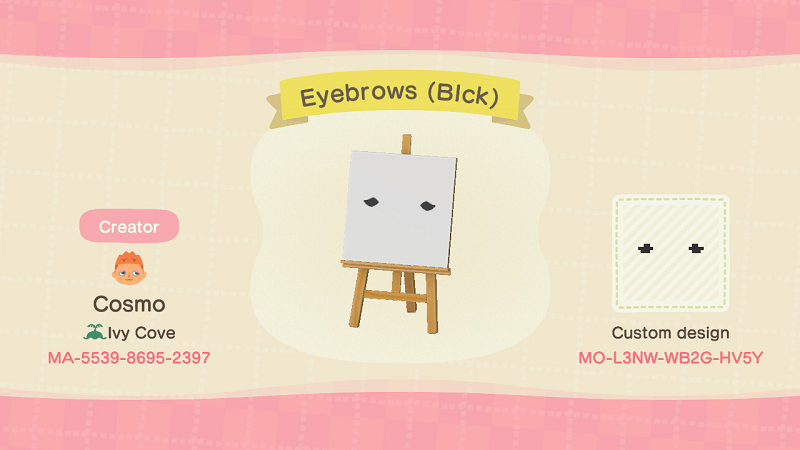
MO-L3NW-WB2G-HV5Y
MO-DWY7-8YYN-0WDK
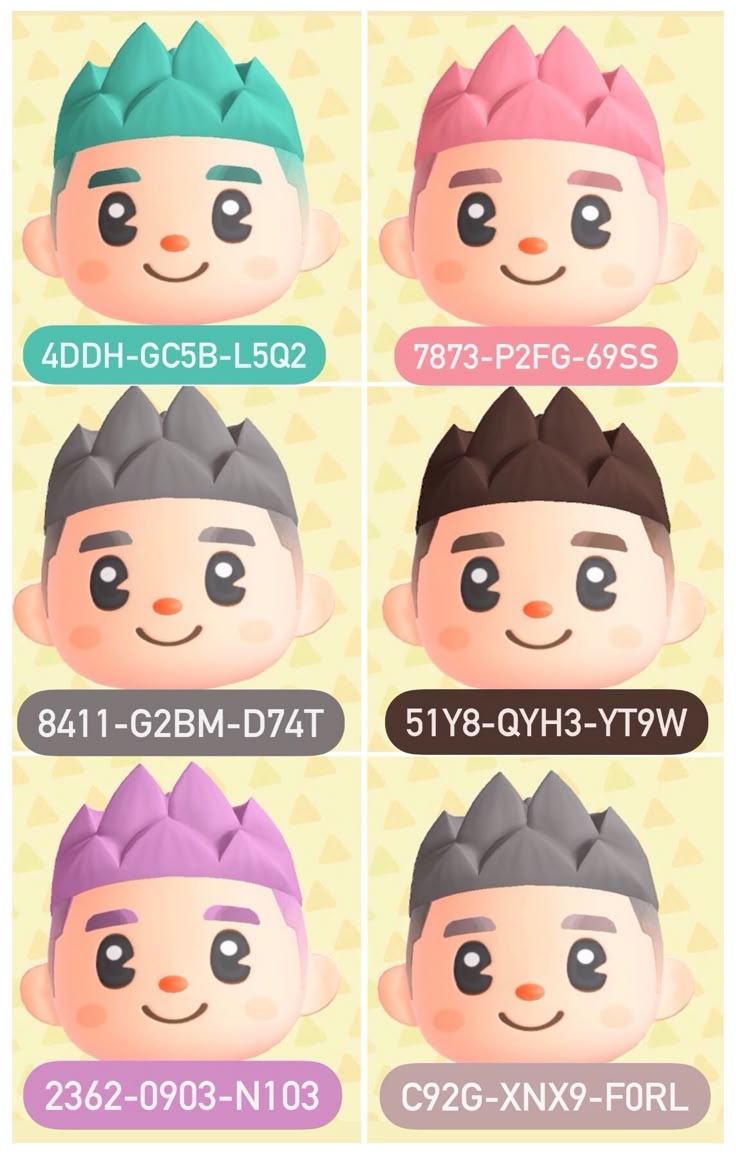
MO-4DDH-GC5B-L5Q2
MO-WB5V-KJ56-F6J5
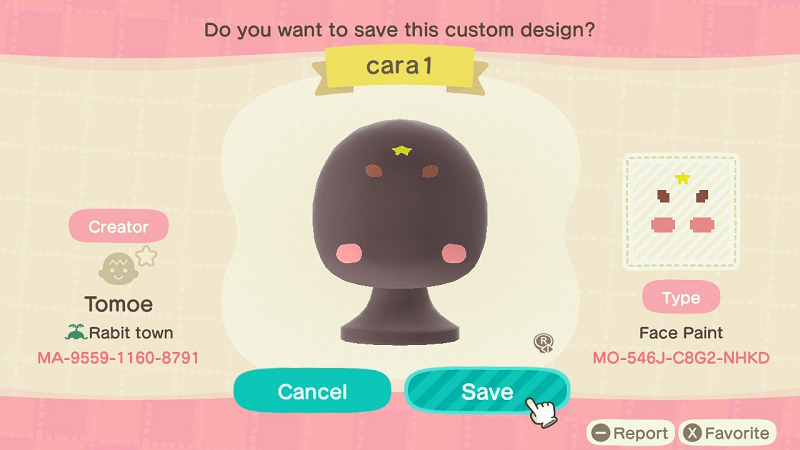
MO-546J-C8-G2-NHKD
Bold, blocky, and slightly slanted. Perfect for cosplay characters or fans of stylized art. Use solid black or deep brown with no blending.
Serious / Furrowed Brows
Design Codes:
MO-56HG-RGNK-36TM
MO-N4PP-JXRR-FWXW
Slightly angled downward toward the nose, giving a stern or determined appearance. Pairs well with darker outfits and edgier island aesthetics.
Eyebrows + Strawberry Cheeks Combo
Design Codes:
MO-99KT-L1XB-71MB
MO-N4PP-JXRR-FWXW
A trending look that combines small natural brows with little red strawberry-shaped blush dots on the cheeks. Sweet, kawaii, and especially popular among fruit-themed islands.
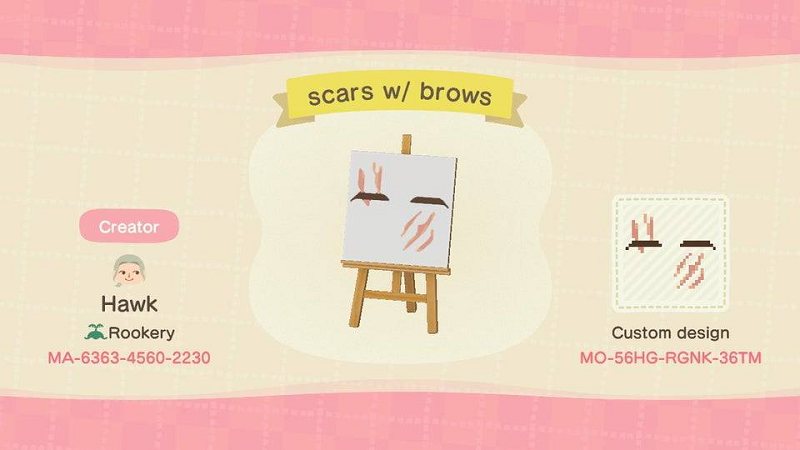
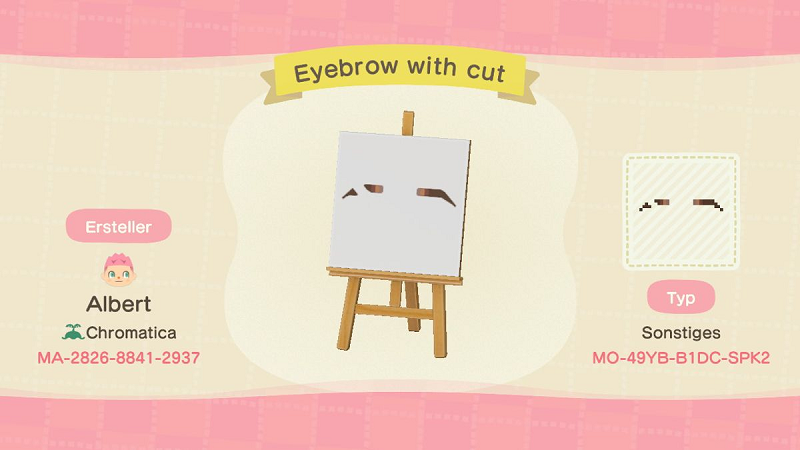
Eyebrows with Scar
Design Codes:
MO-D96W-W29W-TGLX
MO-N4PP-JXRR-FWXW
MO-49YB-B1DC-SPK2
MO-3X6X-F45X-M95C
A single diagonal slash through one brow gives off a tough, adventurous vibe. Great for pirate or warrior-styled characters.
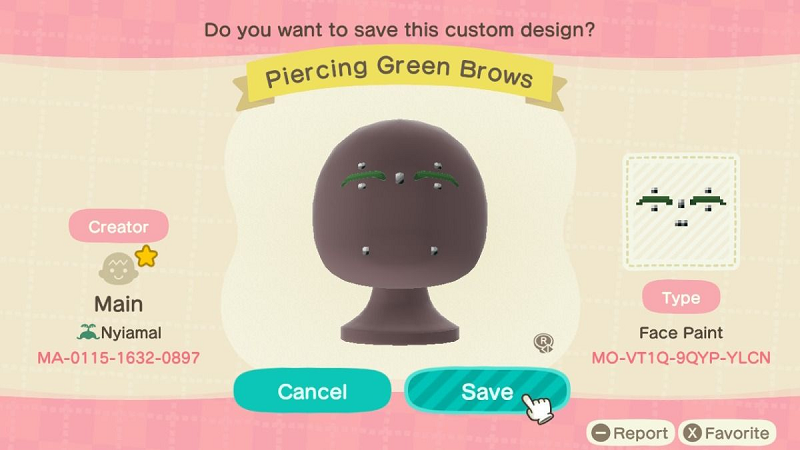
Eyebrow with Piercing
Design Codes:
MO-99KT-L1XB-71MB
MO-N4PP-JXRR-FWXW
MO-X004-G615-FM4W
MO-WT66-3HC1-TQ9Q
MO-VT1Q-9QYP-YLCN
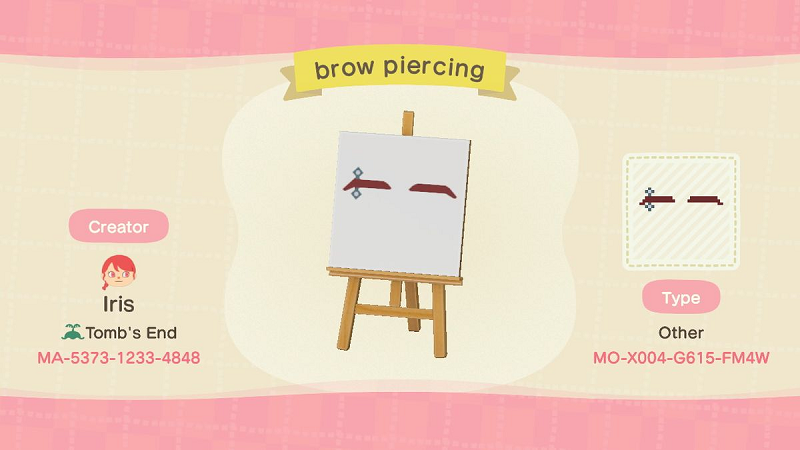
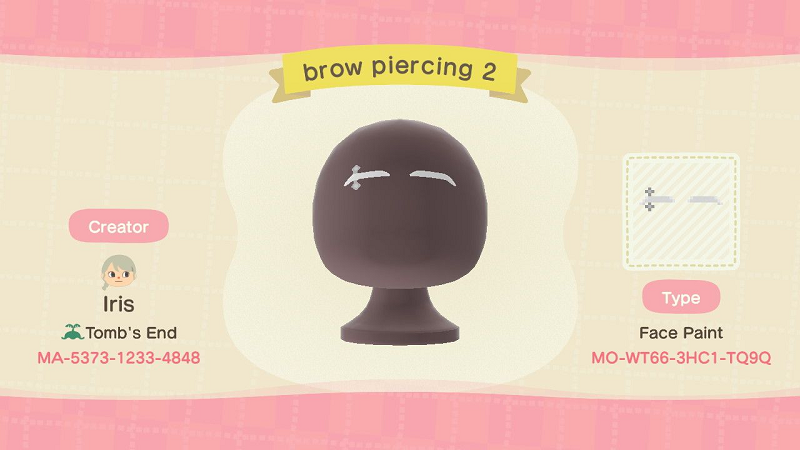
For a more alternative or punk-inspired look, try adding a tiny piercing to one of your brows. Turn off Mirror Mode and place a small cluster of light gray or silver pixels (just one or two dots) at the inner or outer edge of one eyebrow to mimic a barbell or stud. You can even add a touch of black shading underneath the pixel for a 3D effect that makes it pop. This style pairs beautifully with edgy outfits, dyed hair colors, and grunge or e-girl/e-boy themes.
Eyebrows and Freckles
Design Codes:
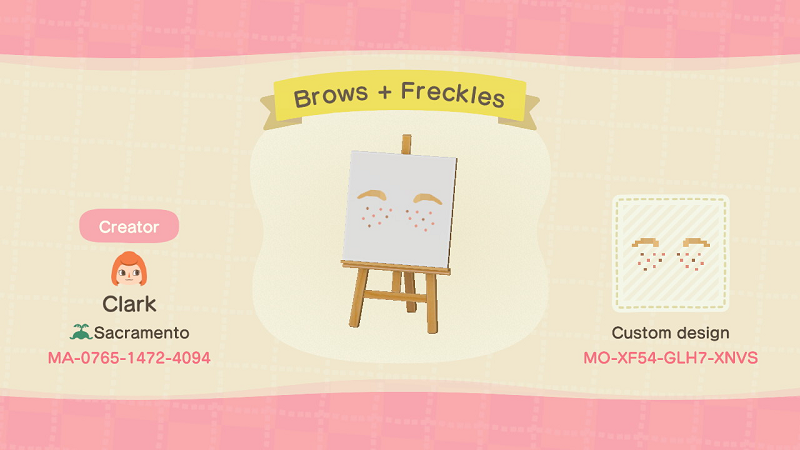
MO-XF54-GLH7-XNVS
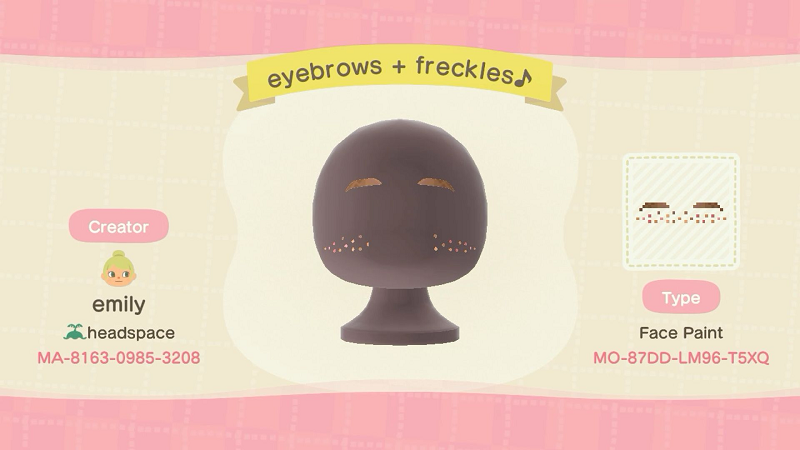
MO-87DD-LM96-T5XQ
Pair lighter, reddish-brown brows with small freckles dotted across the nose for a soft, youthful appearance.
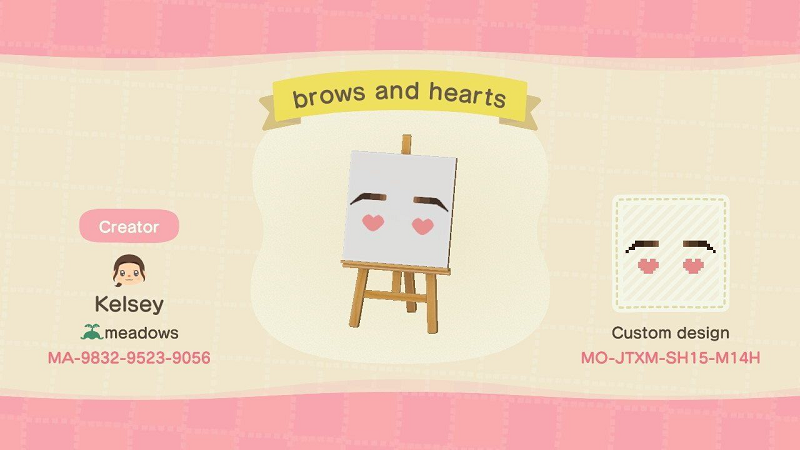
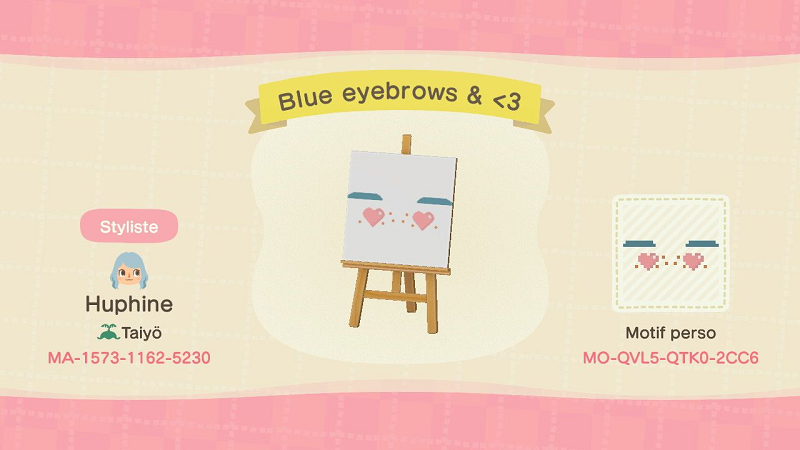
Eyebrows with Hearts
Design Codes:
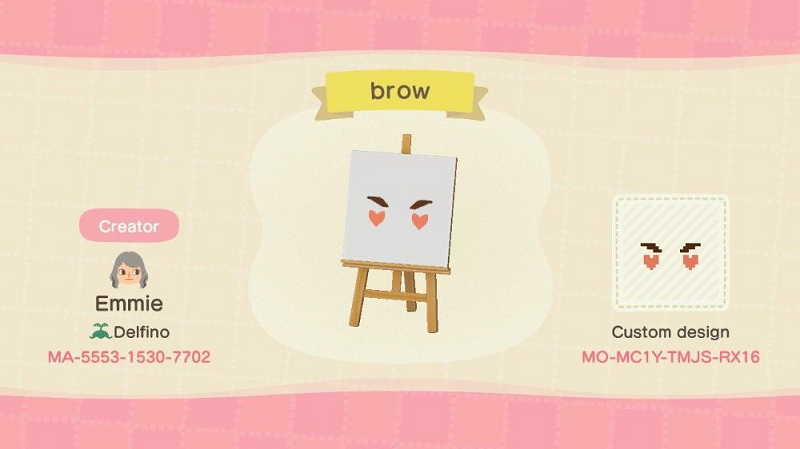
MO-MC1Y-TMJS-RX16
MO-JTXM-SH15-M14H
MO-QVL5-QTK0-2CC6
For an extra cute and flirty vibe, try this adorable design featuring sharp arched brows paired with tiny pink hearts dangling beneath. The bold, slightly slanted brow shape gives off a confident, playful expression, while the little heart accents add a romantic, kawaii touch, perfect for Valentine's Day looks, pastel islands, or dreamy fairycore aesthetics.
Tips for Finding Codes
While custom design codes change frequently, the best places to find updated ACNH eyebrow codes in 2026 include:
The official Nintendo Switch Online app under Custom Designs search.
Community Discord servers dedicated to ACNH design sharing.
Pinterest boards and Twitter/X posts tagged with #ACNHDesigns or #ACNHFacePaint.
Search creator IDs and design IDs that begin with "MA-" to import patterns directly through the Able Sisters' kiosk.
Adding eyebrows to your ACNH character might seem like a small detail, but it completely transforms how your villager looks and feels. With just the Custom Designs app and a bit of trial and error, you can create anything from soft natural brows to dramatic anime arches. Try a few styles, save backups of your favorites, and don't be afraid to remake them as your island aesthetic evolves. Your character will thank you — no more eyebrow-less stares from across the plaza!