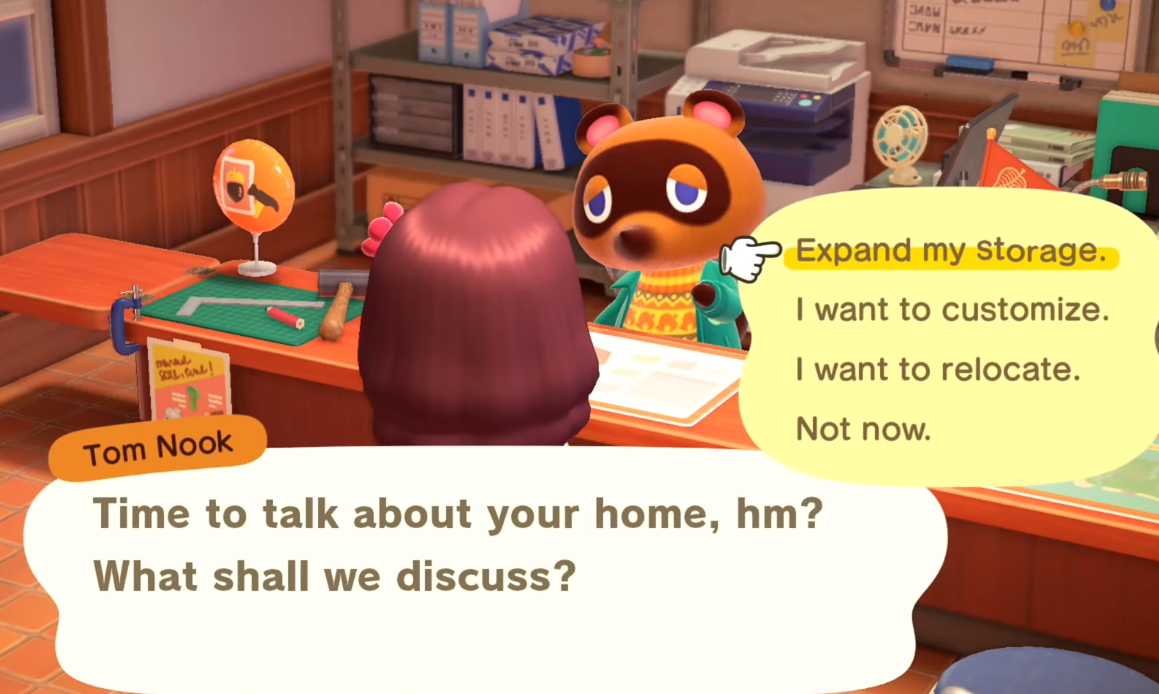


Animal Crossing: New Horizons (ACNH) 3.0 has dropped, bringing with it the highly anticipated Slumber Islands feature. Players have long asked for a way to create multiple islands, decorate together, and experiment with new ideas without risking their main towns. Now, Slumber Islands offer a fresh space for creativity, multiplayer fun, and custom design experimentation, though not without some frustrations. This ACNH 3.0 Slumber Island Guide will walk you through everything: how to unlock, map sizes, multiplayer, codes, design options, villagers, limitations, and more.
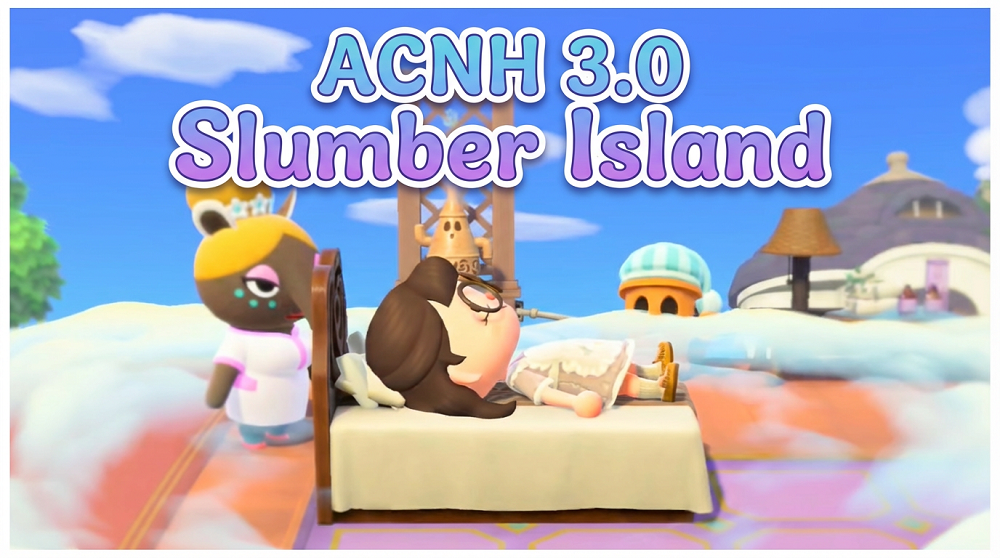
What's Slumber Island in ACNH 3.0?
Slumber Islands introduce a new way to design, decorate, and hang out with friends—all within a dreamy, alternate version of your usual Animal Crossing world. You’re given three separate islands to create on, each available in small, medium, or large layouts. Luna, the dream hostess, leads you through the process, and you’ll notice right away that these islands offer more creative freedom than ever. Whether you want a cozy cove, a sprawling park, or a wild mashup of décor styles, Slumber Islands are designed for experimentation and group fun.
1. ACNH 3.0 Slumber Island Requirements - How To Access
Before you can start building your Slumber Island, there are a couple of prerequisites to keep in mind. First, the update itself is free, but you must have an active Nintendo Switch Online membership to access Slumber Islands, even if you’re not planning to invite friends. You also need to have previously met Luna (the same Luna you visit for Dream Addresses); if you’ve ever used the Dream Suite, you’re ready to go.
To get started, simply lie down in any bed in your house. You’ll see new options that reference “slumber time”—a cute nod to this dreamy feature. Luna will walk you through the setup, and you’ll be able to create up to three individual Slumber Islands per player profile.
2. How Slumber Islands Work: What You Can (and Can't) Do
Upon entering your Slumber Island, you’ll arrive on a large dock. Here, your own bed appears, and if you invite friends, their beds will show up too. The number of simultaneous players varies: up to eight can join if using a standard Switch, but if everyone has the newer Switch 2, you can host up to twelve people at once. The multiplayer system is much quicker than traditional airport travel, making group sessions feel almost seamless.
On the dock, you’ll find both a wardrobe and a vanity. These let you temporarily change your clothes and appearance for the session. Any changes you make here won’t carry over to your main island.
What You Can Do:
Full Creative Control: Terraform, decorate, and build bridges or inclines instantly with the help of Lloyd, the gyroid construction helper. Want to move your house or change its appearance? Lloyd will make it happen immediately.
Custom Designs: Bring in custom patterns from your main island and share them with everyone present. These designs are shared for the session and can be used for pathing or decoration.
Invite Villagers: Populate your Slumber Island with up to ten villagers in single-player or up to five total in multiplayer. Villagers can come from your current or past residents.
Time and Weather: As the host, you can change the time of day and weather for your Slumber Island, helping you set the perfect mood for your build.
What You Can't Do:
No Permanent Dream Addresses: There’s no way to save your Slumber Island as a dream address; visitors can only join via a live session using a special code.
No Extra Buildings: Aside from your own (auto-upgraded) house, you can’t place other buildings. Villager homes and shops are absent, so yards and neighborhoods aren’t possible here.
Limited Villager Interaction: Villagers on Slumber Islands do not speak or give dialogue. They simply wander and wave.
Cataloging Limitations: ACNH Items picked up from friends during a session can be used for decorating, but they do not persist to future sessions or transfer to your main island.
3. ACNH 3.0 Slumber Island Codes - How To Share Your Slumber Island
Inviting friends to your Slumber Island is simple. Instead of a Dodo Code, Luna generates a Doze Code - a five-character string of letters and numbers. This functions as your live multiplayer invitation. Visitors use this code to join you in real time; there’s no asynchronous visiting like with Dream Addresses.
Each time you open your island, a new Doze Code is generated. If your session disconnects or crashes, you’ll need to get a fresh code from Luna. There are no privacy settings or visitor permissions, so anyone with the code has the same abilities as the host, except for a few functions like changing weather or placing bridges.
4. ACNH 3.0 Custom Design & Ideas
Slumber Islands are all about creativity. The new systems let you try out layouts, experiment with themes, and collaborate on builds in ways that just weren’t possible before.
ACNH 3.0 Slumber Island Layout Sizes
You can choose from three sizes for each Slumber Island:
Small: Comparable to a Nook Mile mystery tour island; compact and quick to fill.
Medium: Larger than a mystery tour island but smaller than your main island.
Large: Nearly identical in size to your home island—perfect for ambitious projects.
Each size comes with a set of map options, but unlike your main island, you cannot reroll or reset these layouts.
ACNH 3.0 Slumber Island Buildings
The only building available for placement is your own house, which comes fully upgraded with all rooms, including upstairs and downstairs. There is no option for additional houses or public buildings, but you can freely move and redesign your house exterior at no cost, instantly.
Bridges and inclines can be placed without delay, and you can demolish them just as quickly. The limit remains at ten for each, regardless of island size.
ACNH 3.0 Slumber Island Custom Design Codes
Custom designs play a huge part in expressing your style on Slumber Islands. You’ll start with 50 design slots, but if you’ve unlocked the expanded design space, you’ll have 100 slots available, plus pro designs. Designs must be imported from your main island; this is done via the X button in the custom design menu. Once imported, these codes remain on your Slumber Island even if you delete them from your main island.
All players present can import their own designs, and these become shared for everyone on the island during the session. However, be aware that anyone can overwrite designs, so only invite people you trust if you want to protect your patterns.
ACNH 3.0 Slumber Island Season Change
The season and natural features of your Slumber Island reflect the real-world date and time saved to your Switch system. While you can freely adjust the time and weather through the in-game menu, changing the actual season (such as shifting from spring to autumn) requires you to change your console’s date settings outside of the game.
ACNH 3.0 Slumber Island Villagers
Villagers add life to your island, roaming around to create that classic Animal Crossing atmosphere. You can select from your current residents or any former villagers who have lived on your main island. In solo mode, you can have up to ten villagers strolling about; in multiplayer, the cap is five total, shared across all players. Villagers only remain for the duration of the session and will disappear when the player who summoned them leaves.
Interaction is limited to waving, there’s no chatting or gifting.
5. ACNH 3.0 Slumber Island Deletion - How To Remove & Restart Your Slumber Island
Managing your Slumber Islands is straightforward. Each player can maintain up to three active Slumber Islands. There’s a simple option at the bottom of the menu to copy or delete an island. Copying moves all your design work to a new slot instantly, which is great for trying out variations. Deleting is just as fast - one tap, and your Slumber Island is gone forever, with no backup or export option. Since there’s no Dream Address for these islands, once deleted, your creation cannot be revisited.